Running Pipelines
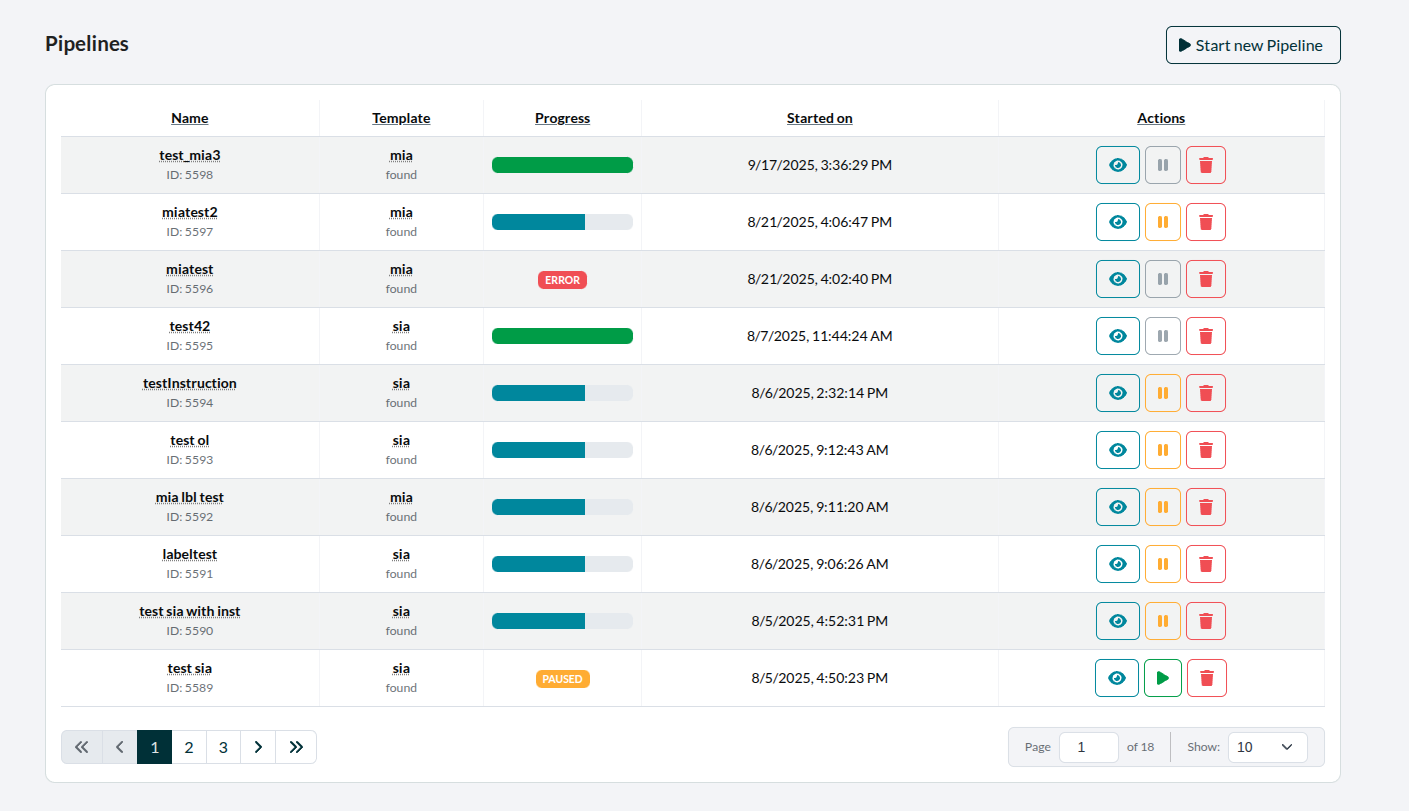 Figure 1: A table with all created pipelines
Under the section Pipelines, all Pipelines started by the respective User are listed in a table. They can be paused, unpaused, deleted and inspected there. When inspecting a Pipeline, once can check all of its stages. This means one can see in which stage it is at the moment or check the logs and eventual error-messages.
What does "pausing" mean
While deleting a Pipeline removes it altogether, pausing can serve similar functions, but is reversible, by simply unpausing the Pipeline again. Once a Pipeline is paused, the pause-button will turn into the unpause-button.
When a Pipeline is paused, it has the following consequences:
- AnnotationTasks specified within the Pipeline are not shown to the assigned Users
- The data within those Annotationtasks will not appear in their respective Datasets