Annotation Review
SIA-Review-Tool For Designers
As a manager of datasets, it is often required to have a quick look at the current annotation progress or to correct single annotations of an annotation task. For this purpose, we implemented the SIA-Review tool. It is available for users with the role designer and can be accessed via the Datasets table, when clicking on the Review Dataset button. This way, you can review a single annotation task or all of them, that are bundled in a specific Dataset.
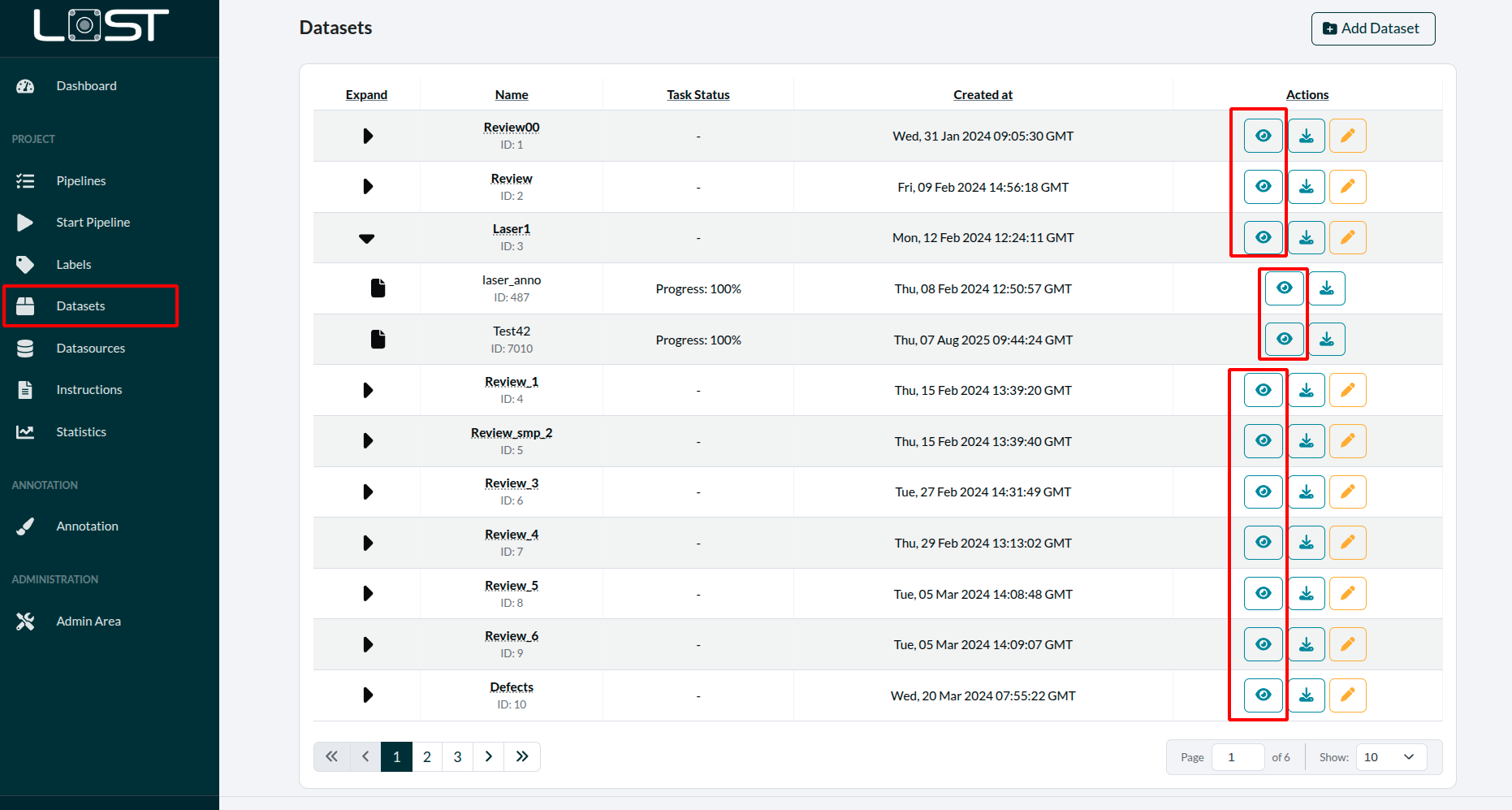 Figure 1: Review button inside the details view of an
annotation task
Figure 1: Review button inside the details view of an
annotation task
Figure 1 shows the detail popup of an annotation task in a pipeline. When clicking on the Review Dataset button you will be redirected to the SIA Review Tool. Figure 2 shows the review interface in action.
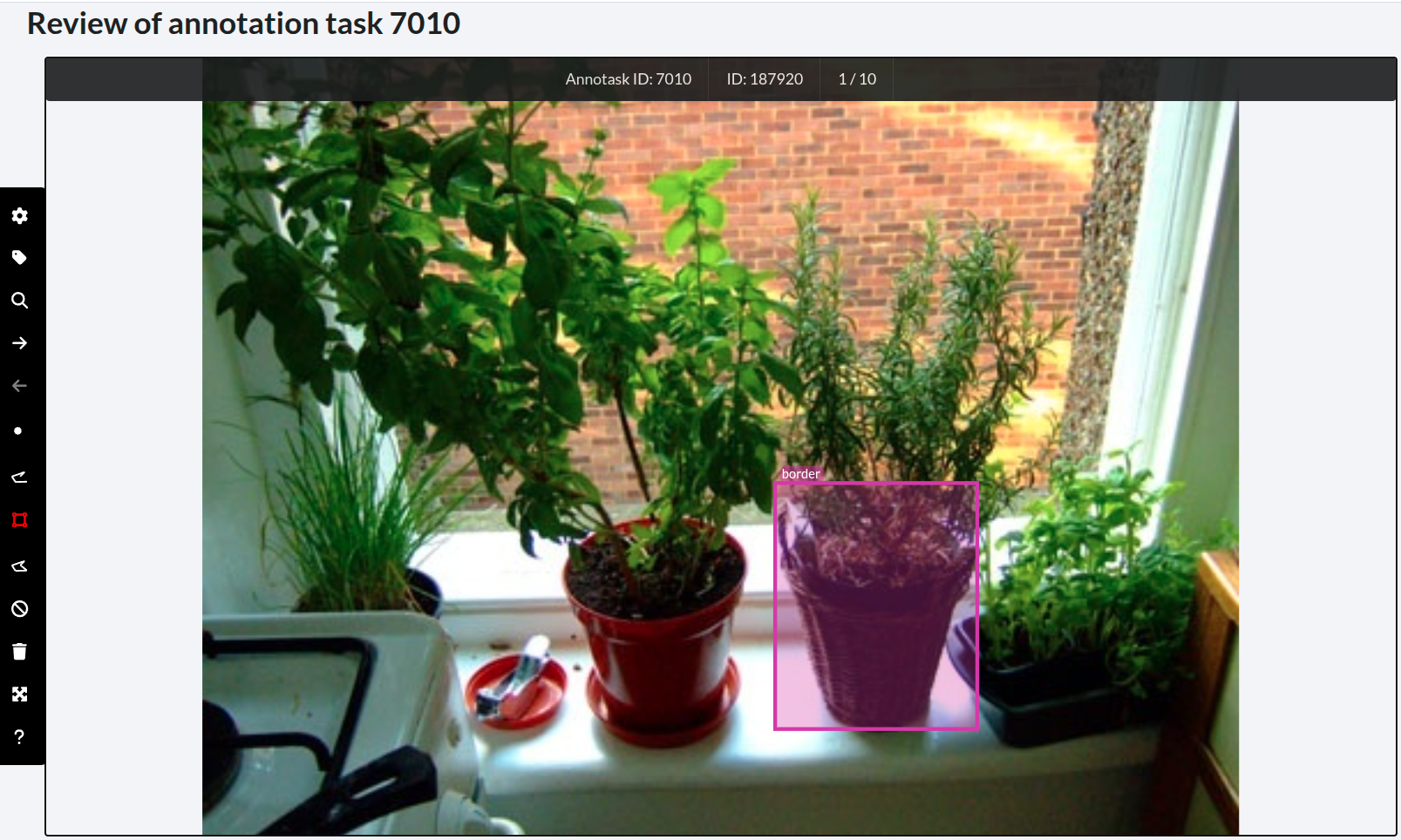 Figure 2: Interface of the SIA Review Tool
The review tool can be used to review all types of annotation tasks (SIA and MIA)
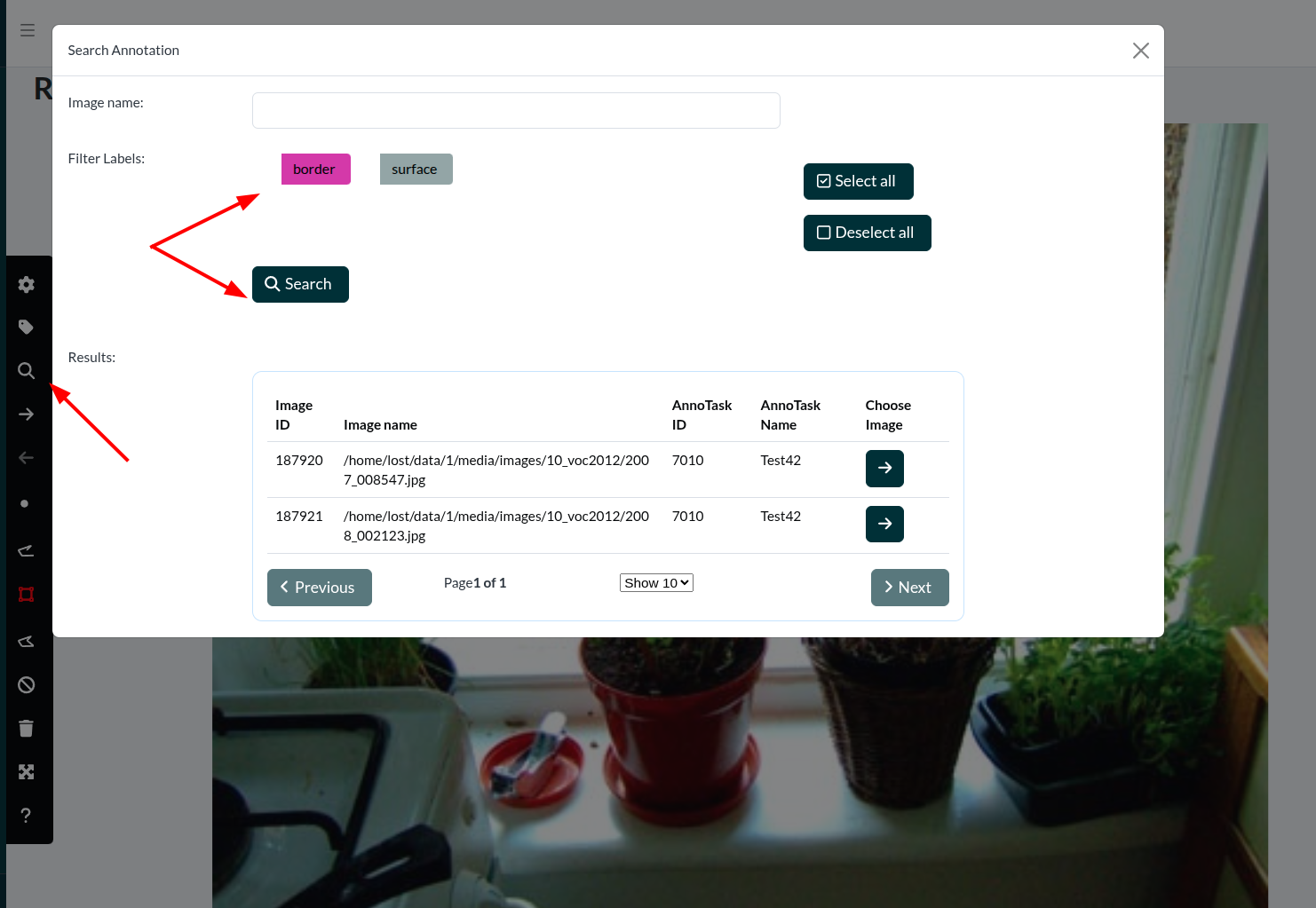 Figure 3: Filter window, where images and lables can be searched.
Filtering in Review
To make reviewing easier, images can be filtered by name and label.
When filtering according to labels, only images containing the given labels will be shown and switching between images will only lead to the ones fulfilling this criteria. To exit this mode, click the new button, which is now displayed above the SIA-tool.
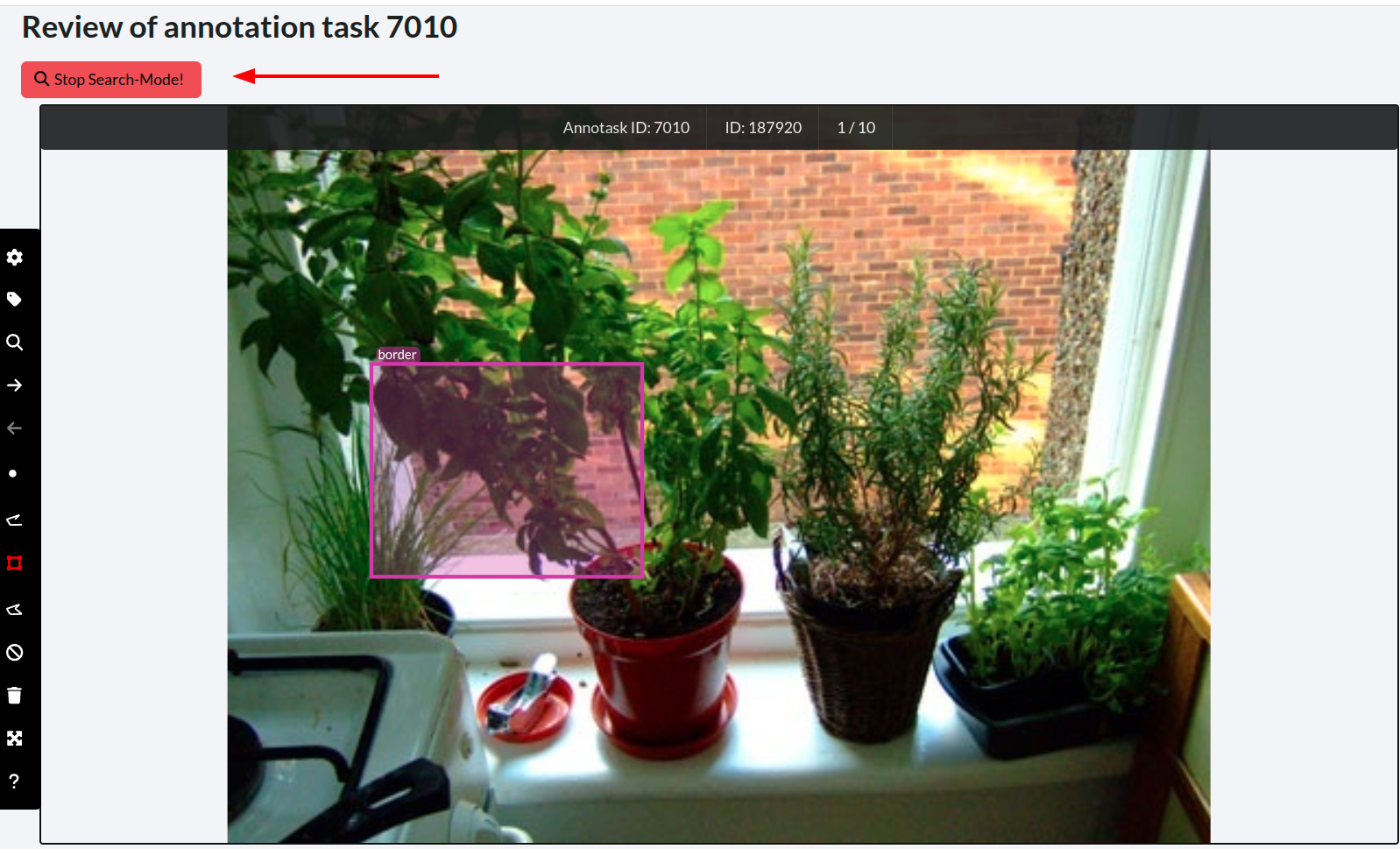 Figure 4: The review tool when using the image search and, emphasized
the button to stop that mode
Figure 4: The review tool when using the image search and, emphasized
the button to stop that mode