Admin Area
The admin area consists of several tabs filled with datatables, with which an admin can manage key areas of the LOST instance.
All currently available Tabs are:
- Users & Groups
- Pipeline Projects
- Global Datasources
- Global Labels
- Global Instructions
- Workers
- Inference Models
Users & Groups
Management
Users and groups can be added via the "Users" section. Then, users can be added to groups and be given roles, by editing them.
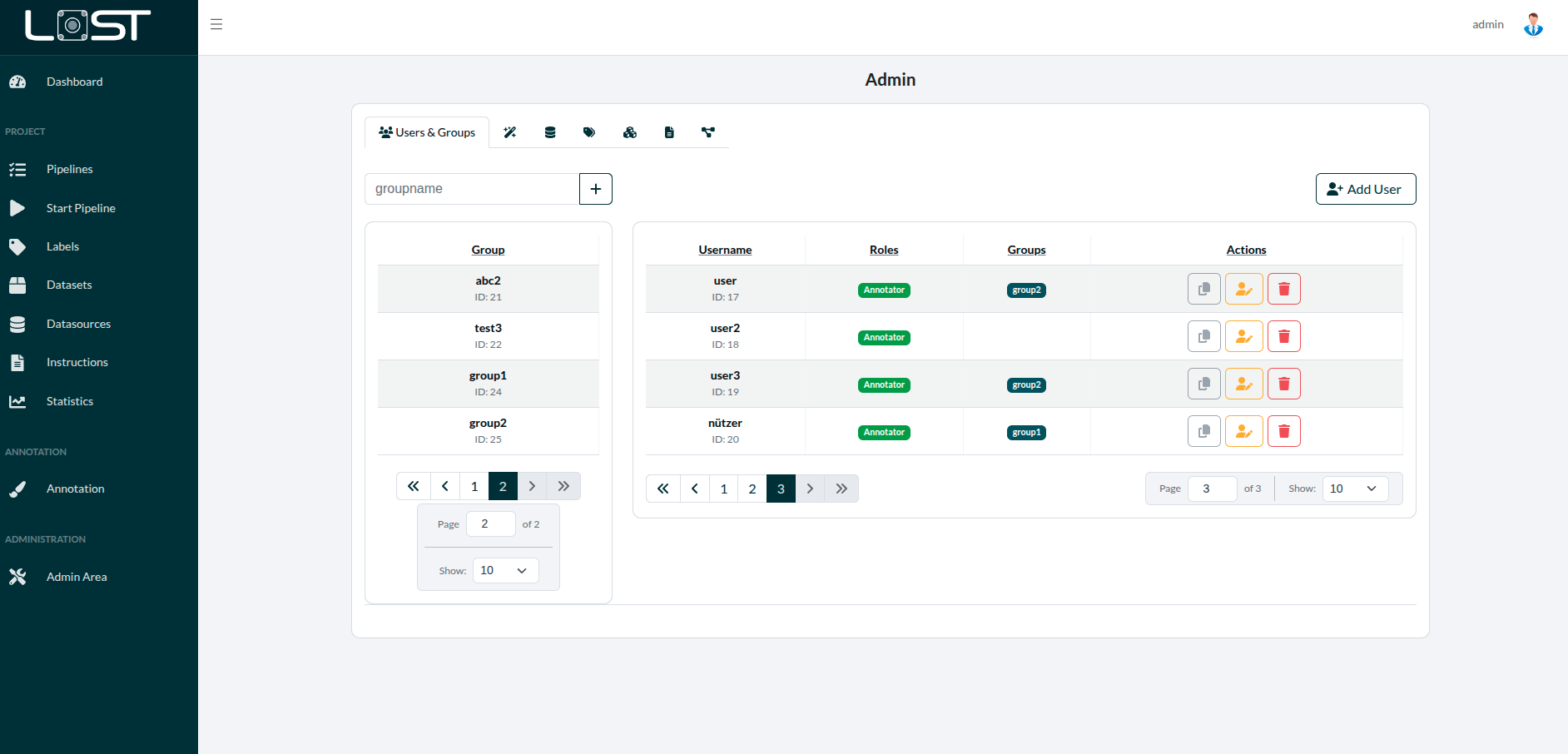 Figure 1: The tables for groups (left) and users (right)
Visibility
Pipelines
Pipelines are generally visible to the user who created them.
Label Trees
Label Trees are visible system-wide across all applications.
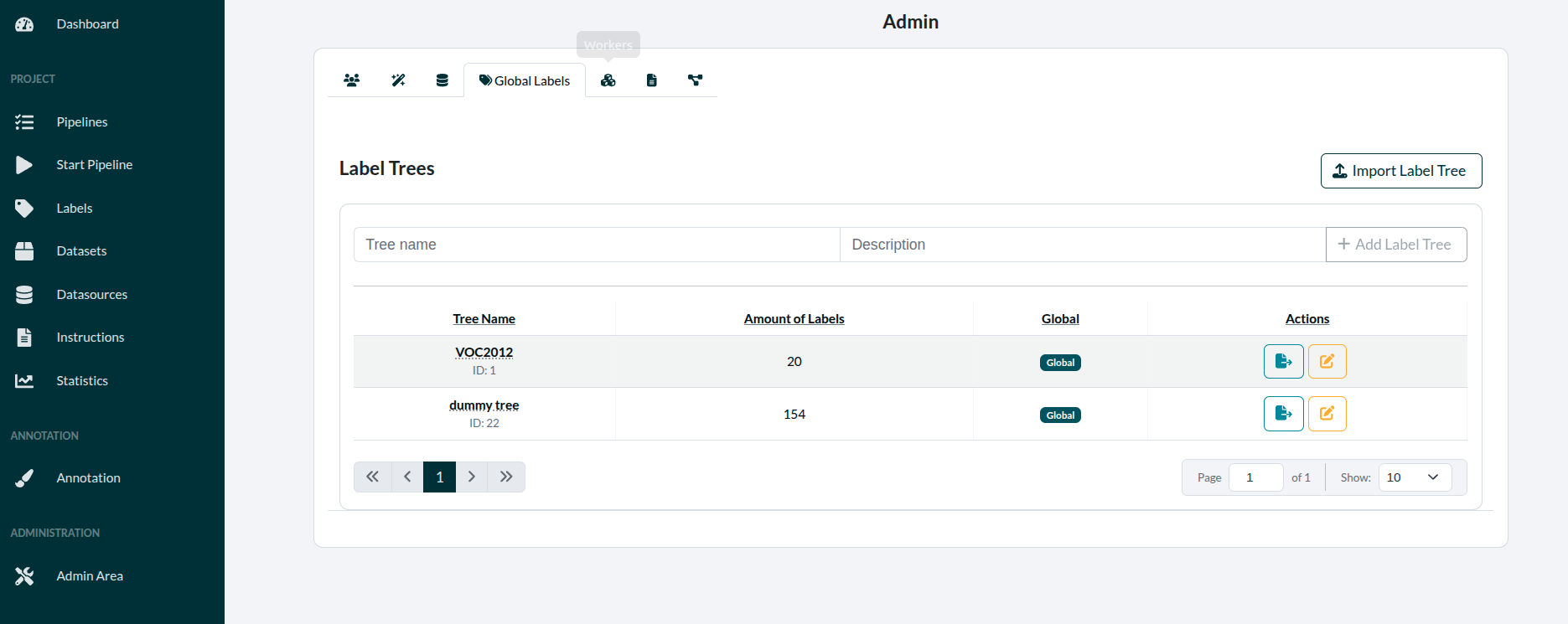 Figure 2: The global label trees
AnnoTasks
AnnoTasks can be assigned either to your own user or to a group when configuring it while you are starting a pipeline. Only groups to which the user is assigned to can be selected.
Pipeline Templates
Pipeline Templates are visible system-wide across all applications.
Import & Export Pipelines
Global LabelTrees
Global LabelTrees are available for everyone to use.
Global Datasources
Global Datasources are available for every user.
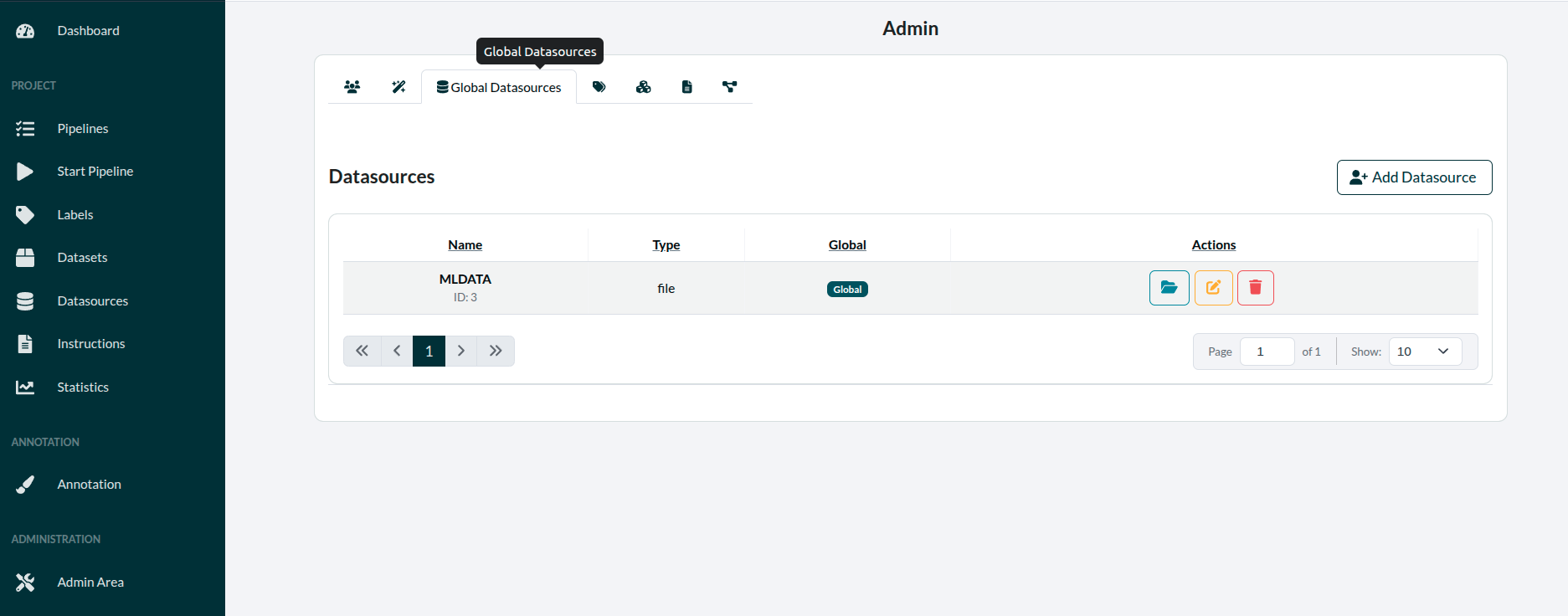 Figure 7: The global datasources
Global Instructions
Instructions available for everyone to use, but only admins can edit them.
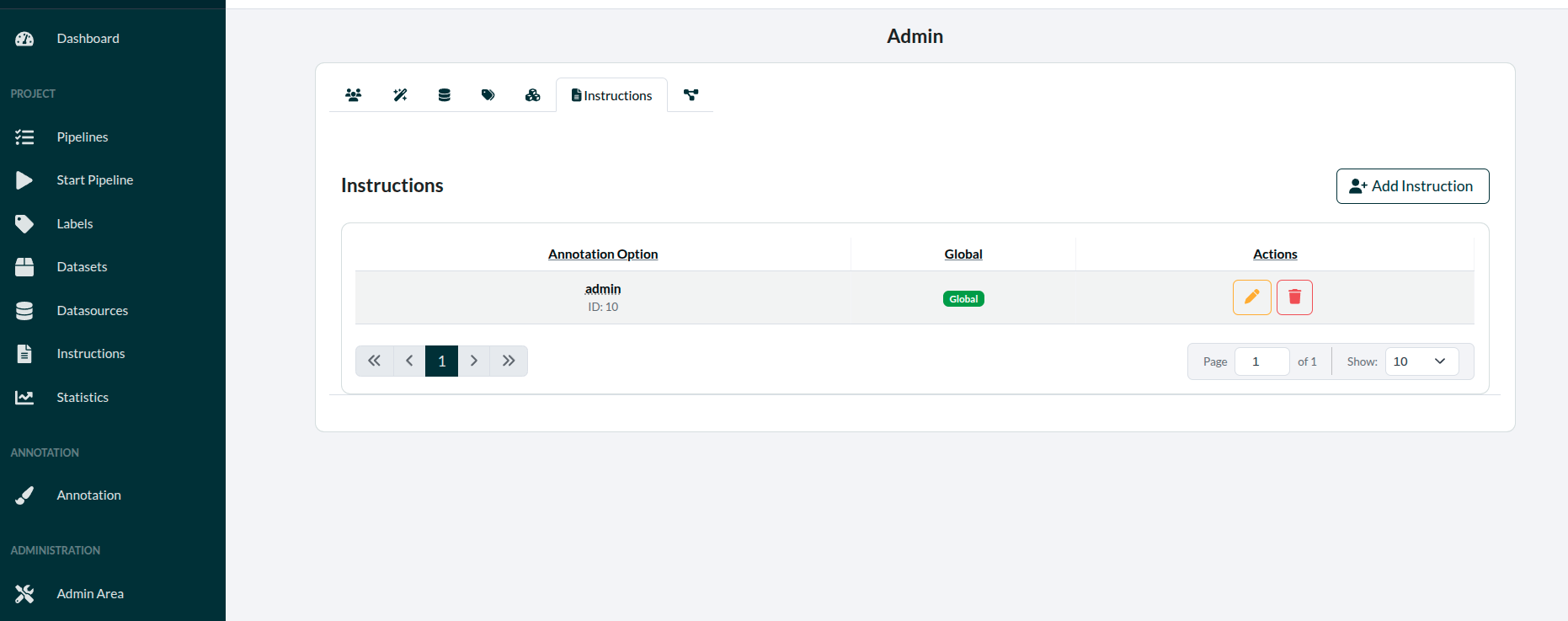 Figure 7: Global insturctions, only able to be edited here
Pipeline Projects
In this tab pipeline projects can be imported and exported.
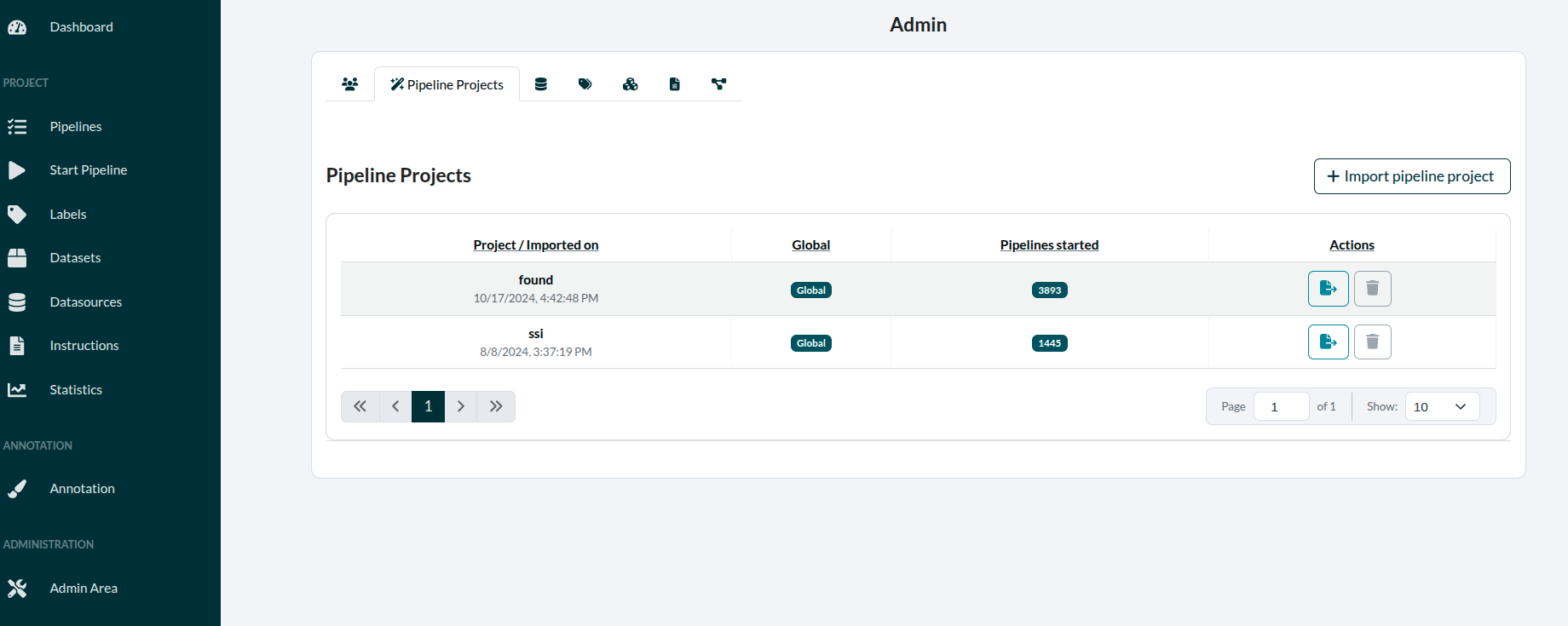 Figure 7: The pipeline projects, whose templates everyone can use to create their pipelines
Global Datasources/Labels/Instructions
These items are available for all users to use in their pipelines and they can be browsed, edited and deleted here.
Workers
These workers are the docker-containers able to execute scripts for LOST.
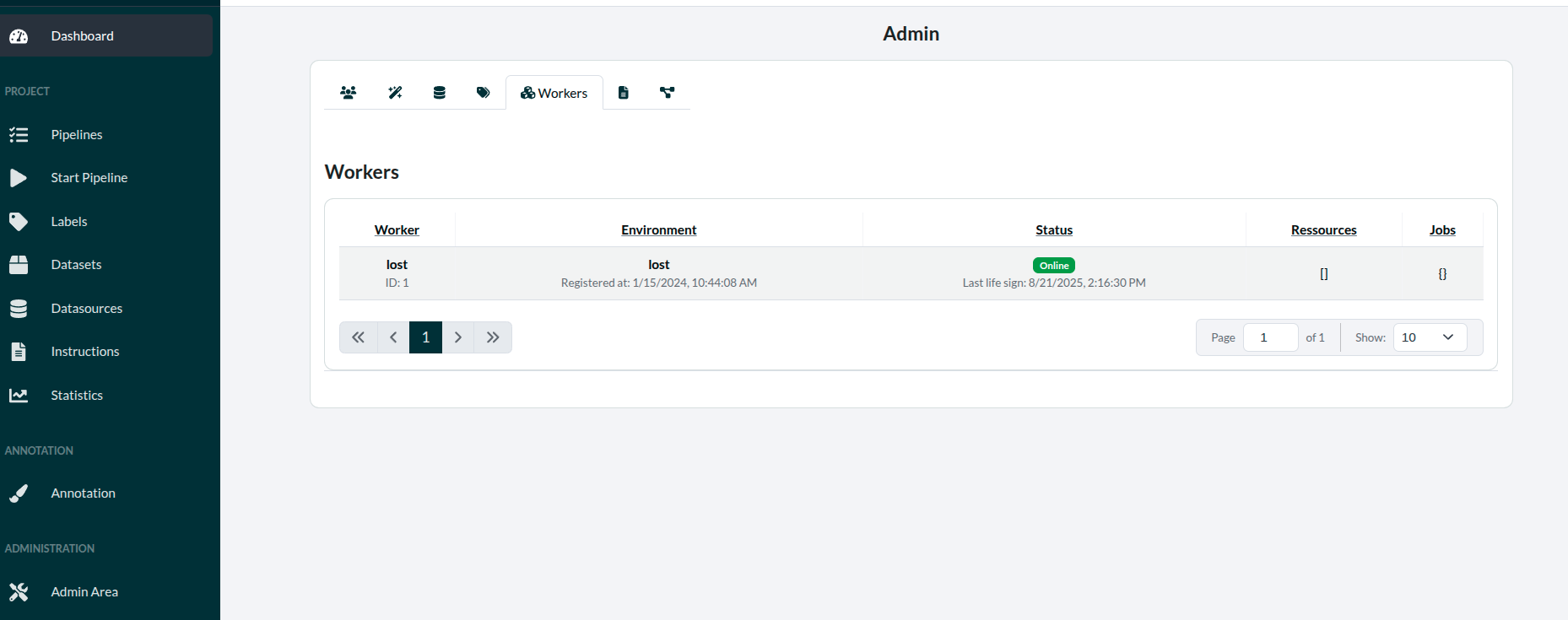 Figure 7: All current worker(s) listed in a table